
Hello, In this tutorial we will show you the how to manage your profile from the dashboard section.
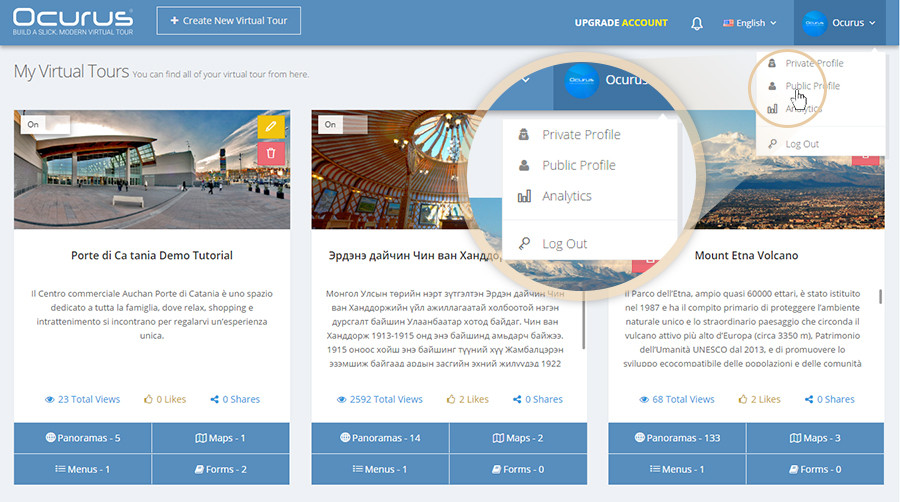
Your profile name is displaying in the top right corner of your dashboard. When you click on your profile name, you can find a "private profile" and "public profile" as shown in an image below.
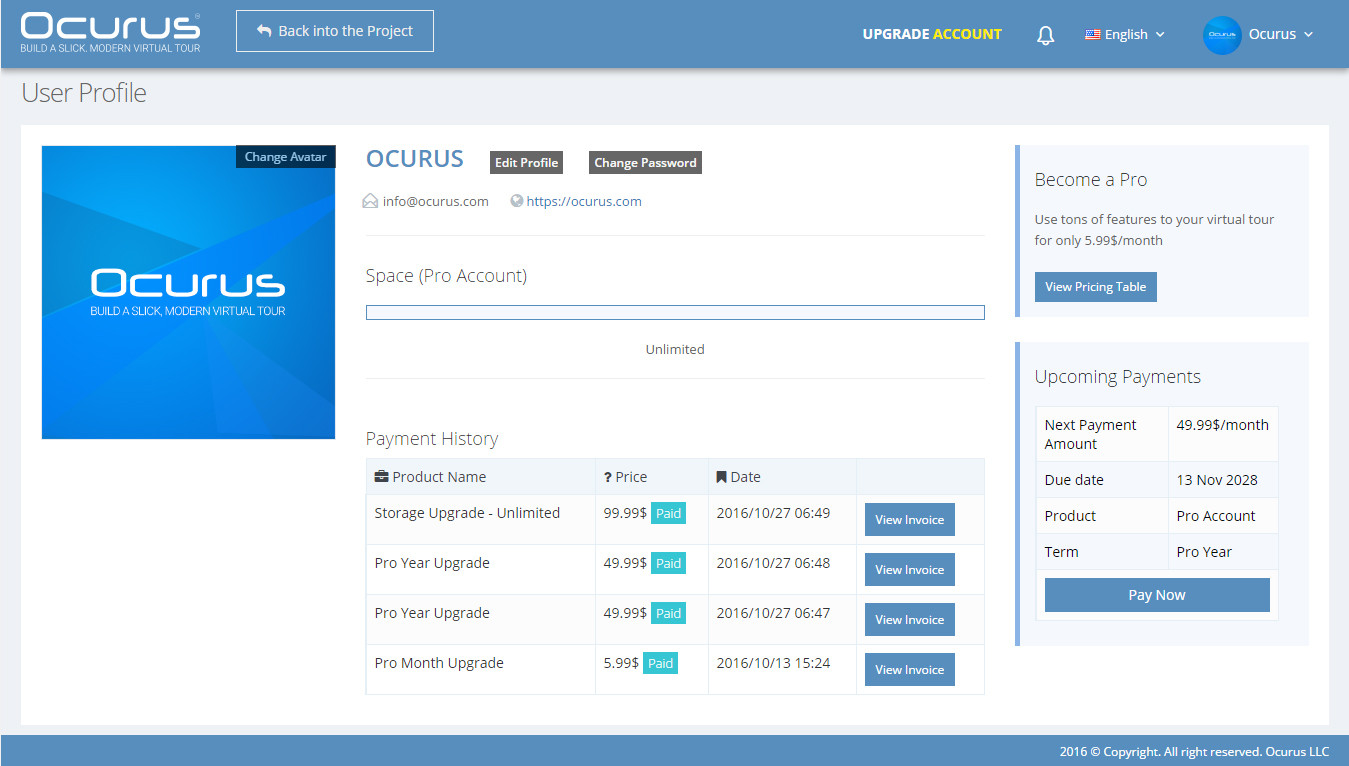 |
Private profile From the "Private Profile" section, you can manage your account information like changing avatar, editing profile information etc. Also, you can view your payment history and upcoming payments schedule from this page. If you are not yet to get your pro account, you can view our pricing table from here to upgrade your account. With our pro account, you can use the advanced features of Ocurus freely. |
|
|
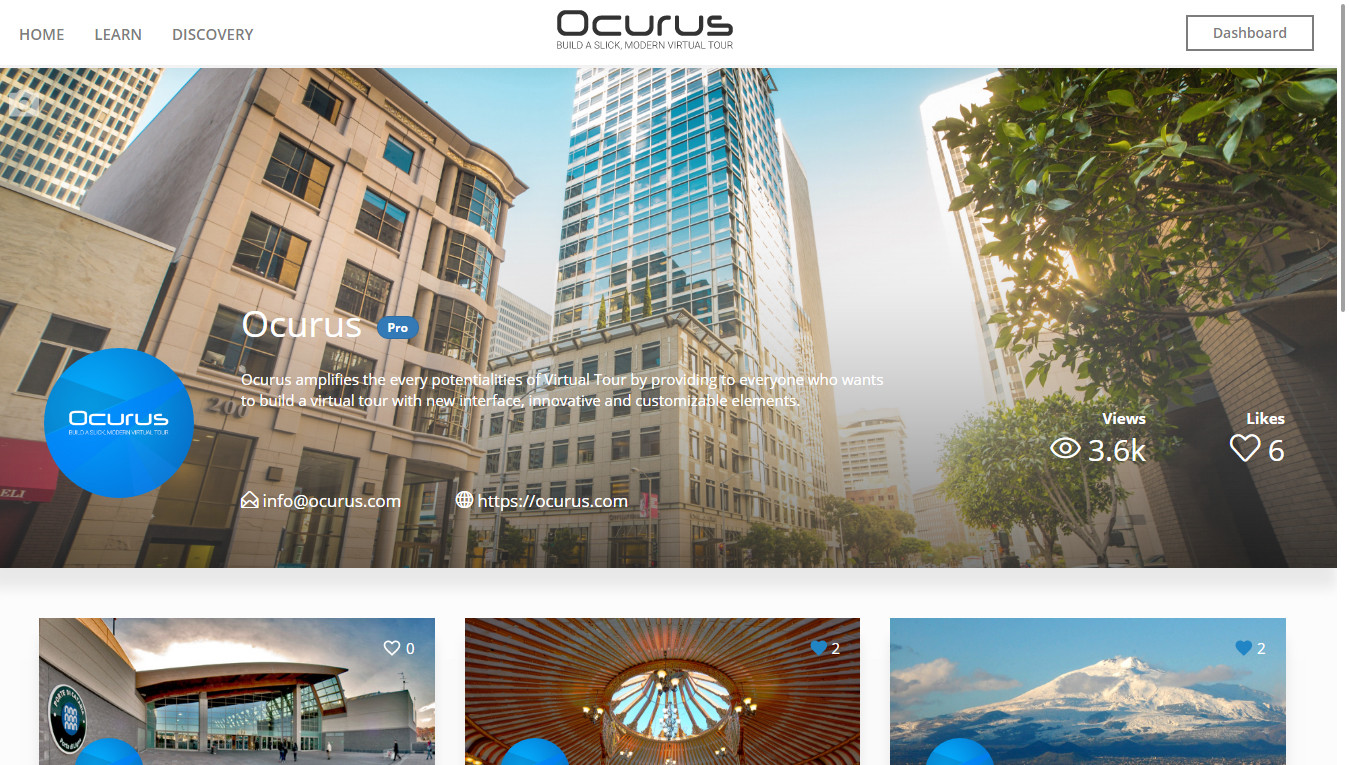
Public profile "Public Profile" page is your front-end screen which will show to other users. From this page, people can view your virtual tour projects, small statistics which is view and likes of your virtual tours and profile name and description which written in your private profile section. |
 |